

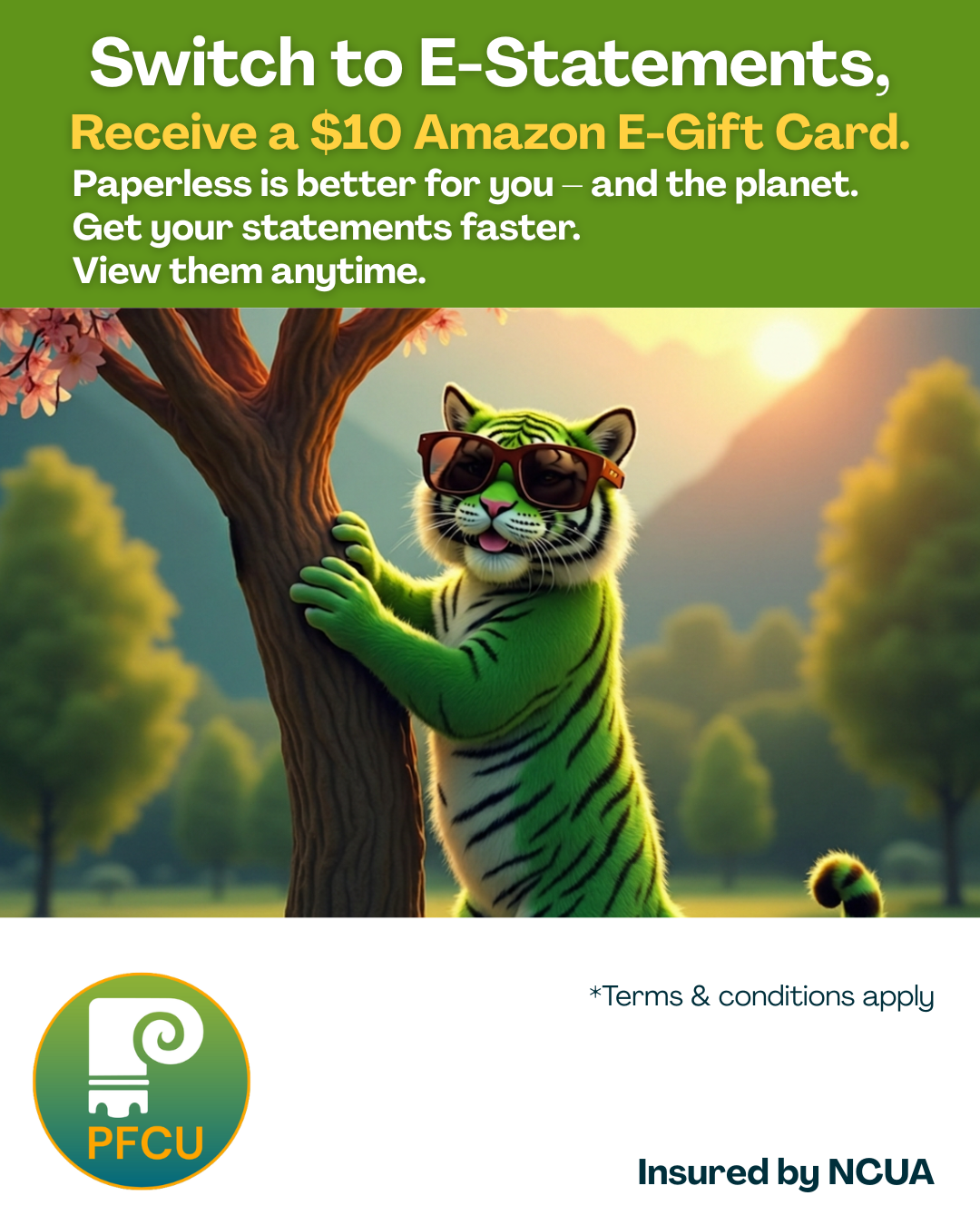
Switch to E‑Statements & Get a $10 Amazon Gift Card
Enroll in E-Statements and get rewarded! When you enroll in E‑Statements, you’ll receive your statements faster, enjoy secure anytime access, and earn a $10 Amazon E‑gift card when you remain enrolled for 90 consecutive days! Terms and conditions apply*.
Thank you for helping reduce paper waste and choosing a smarter, more convenient way to manage your finances.
Why Choose E‑Statements?
Faster Delivery
Access your statement days sooner than traditional mail.Secure & Convenient
View your statements anytime, anywhere through online or mobile banking.Get Rewarded
Receive a $10 Amazon e‑gift card when you switch to E‑Statements.
How to Enroll
Getting started is quick and easy:
Step 1 - Log in to online or mobile banking and select Statements from the left side menu
Step 2 - Click View
Step 3 - Scroll to the bottom of the disclosure to accept the terms
Step 4 - Fill in required personal information and choose Electronic for the Notice, Statement, and Tax documents.
Step 5 - Click Save
Step 6 - You will now be able to view your Notices, Statements, and Tax forms electronically.
To later view your statements, select an account, select "view"and choose from available notices and share statements.
Need Assistance? Call Member Services 800-456-5038, Option 4.
Terms and conditions
*Princeton Federal Credit Union membership is required. Promotion valid for members who opt in to E‑Statements beginning March 16, 2026. This is a limited‑time offer and subject to end at any time without notice. A valid email address associated with the member’s PFCU account statements is required to receive the Amazon e‑gift card. Eligible rewards will be issued after 90 consecutive days of active E‑Statement enrollment. If eligibility requirements are met, the Amazon e‑gift card will be emailed on or around the 90‑day mark following opt‑in.
Bill Pay
Pay all of your bills from one central location within online banking and PFCU Mobile App. Select from a list of popular billers such as Verizon®, T-Mobile®, Etc. and schedule payments out. Use this FREE service to pay an unlimited number of bills online if you have a Princeton Federal Credit Union active checking account.
Log In, Select “Move Money,” then “Pay Bills” to get started.

